
TK1971 - App Download And Install For Android And iOS
Updated

The tk 1971 app gives you access to casino games and sports betting from your phone, without opening the site in a browser. It uses little storage and is designed to reduce mobile data use. Download it free from the official site for Android or iPhone. Install the app and get 50 free spins on your first login.
App Features
The tk 1971 casino app offers the same games and betting options as the site, along with features designed for phone use. Players in Bangladesh can use local payment methods and access their account from mobile.
Key features include casino games, sports markets, deposits and withdrawals through bKash, Nagad, and Rocket, plus biometric login options. Push notifications can alert you to match starts and new bonuses, while a data-saving mode supports mobile use.
Match streams are available over 4G. Your balance and bet history sync with the site, so you can start on your phone and continue on a computer. The tk 1971 login uses the same account credentials across platforms.
System Requirements
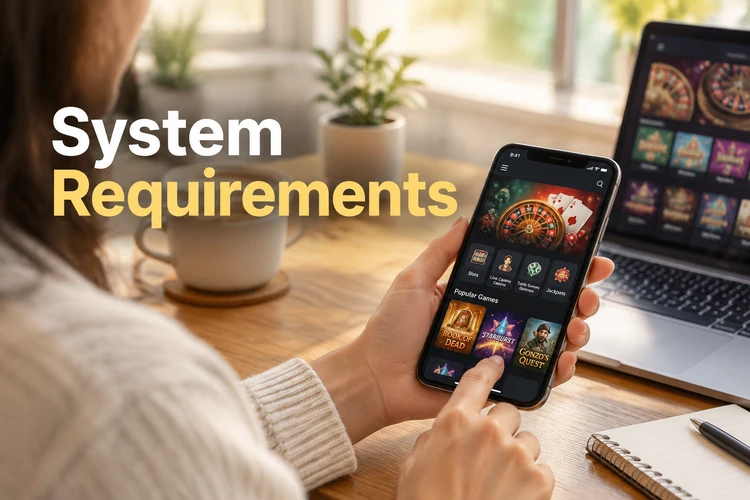
The app works on many current smartphones, including budget models. Check your operating system version and available storage before starting a tk 1971 app download.
The requirements differ by platform. The iPhone option is a web app added to the home screen through Safari, rather than a separate native app file.
Use these figures to check whether your device has the required system version and free space.
| Parameter | Android | iOS |
|---|---|---|
| System version | Android 7.0+ | iOS 14+ |
| RAM | 2 GB | 2 GB |
| Free storage | 50 MB | 10 MB |
| File size | About 25 MB | Web app |
| Installation method | APK file | Add to Home Screen in Safari |
| Price | Free | Free |
If your phone does not meet these requirements, use the mobile site. It works in a browser.
How To Download And Install The App
The installation process differs between Android and iPhone. Follow the steps for your device to set up tk 1971 apps.
For Android, download the APK from the official site. For iPhone, add the web app to your home screen through Safari.
Install On Android
The tk 1971 app is not available in Google Play, so Android users install it from an APK file on the official site.
Follow these steps to install it:
- Open tk1971 in your phone browser and go to the App page.
- Tap Download for Android and wait for the file to download.
- Allow installation from unknown sources in your phone settings.
- Open the downloaded file and tap Install.
The tk 1971 app icon will appear on your home screen. You can turn off permission to install from unknown sources after installation.
Install On iPhone
On iPhone, tk1971 works as a web app added through Safari. Open the site in Safari, then follow these steps.
- Tap the Share button at the bottom of the screen.
- Select Add to Home Screen.
- Tap Add.
The web app opens full-screen like a regular app. You do not need to update it manually.
App Or Mobile Site
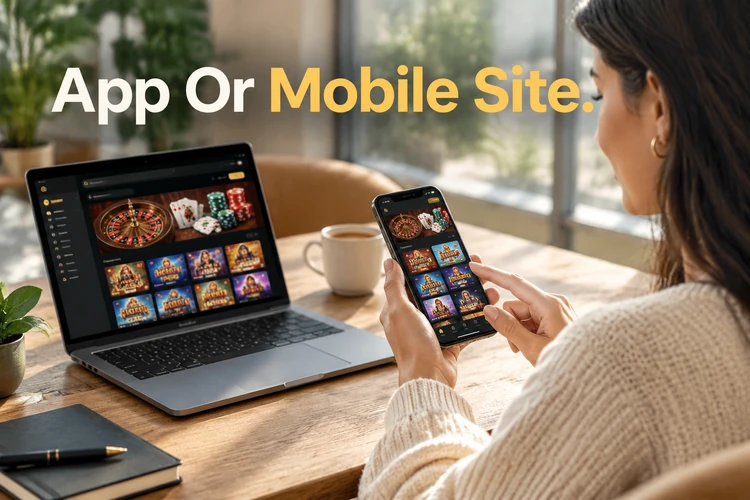
You can use the service on your phone through the app or a browser. Both options connect to the same account, games, bonuses, and payment methods.
The app offers quicker access, biometric login, and push notifications. The mobile site needs no installation and works in a phone browser.
If you play regularly, the app may be more convenient. For occasional visits, the browser version is enough. This gives tk 1971 Bangladesh users a choice based on how they prefer to access the service.
How To Update The App
New app versions can include features and fixes. When the app reports an available update, download it from the App page on the official site.
Use these steps to update the Android app:
- Open the app and check for an update notice.
- Tap Update and wait for the download to finish.
- Your account data and balance are retained.
The latest version is available from the App page. Download updates only from there.
If The App Does Not Work
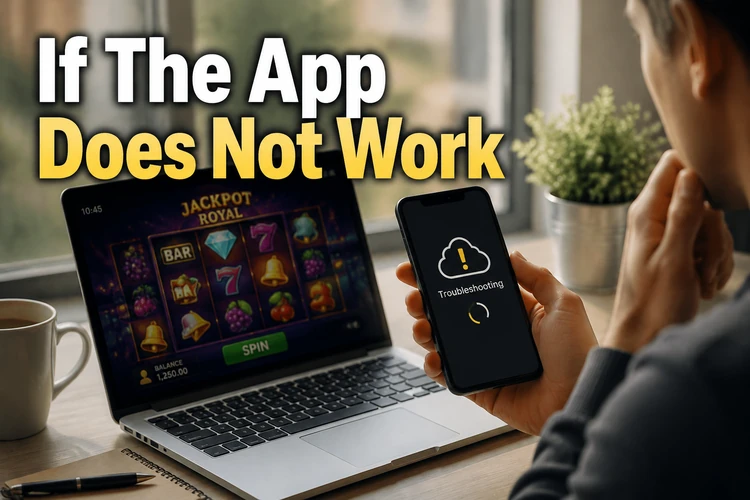
If the app will not start or runs slowly, check your connection and device storage first. Clearing the app cache may also help.
Try these troubleshooting steps before contacting support:
- Check your internet connection.
- Clear the app cache in your phone settings.
- Remove the app and install the latest version.
- Free up storage on your phone.
If the problem continues, contact customer support. Include your phone model and operating system version.
FAQ
Yes, if you download the file only from the official tk1971 site. APK files from other sites may contain harmful code.
Google Play restricts apps with real-money betting in some countries. TK1971 distributes the APK directly instead.
No. Use the same username and password as on the site. Your balance is shared.
Yes. The first login through the app gives 50 free spins. Check the Bonus page for the promotion terms.