
Tk1971 Bangladesh - Deposits And Withdrawals In bKash, Nagad And USDT
Updated
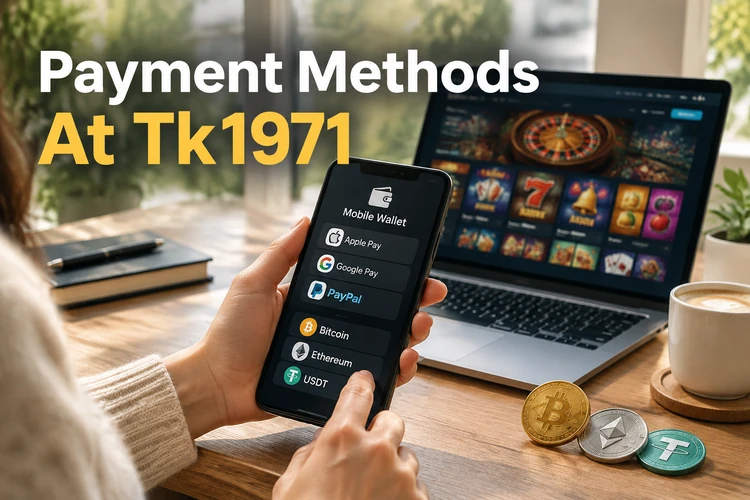
In tk1971, money is deposited and withdrawn through mobile wallets you use every day. Deposits are credited within a minute, and winnings are returned to your wallet usually within 5–30 minutes. Tk1971 does not charge any fees for deposits or withdrawals. Top up from ৳200 and start playing with a bonus!
Payment Methods At Tk1971
Tk1971 supports popular payment methods in Bangladesh, as well as cryptocurrency. Tk 1971 payments are available through mobile wallets, bank transfer, and USDT. The table below shows limits and processing times for each method.
Check the limits of your wallet before making a larger deposit. The maximum deposit can also be limited by the wallet provider.
| Method | Min. Deposit | Max. Deposit | Min. Withdrawal | Withdrawal Time |
|---|---|---|---|---|
| bKash | ৳200 | ৳25,000 | ৳500 | 5–30 minutes |
| Nagad | ৳200 | ৳25,000 | ৳500 | 5–30 minutes |
| Rocket | ৳200 | ৳25,000 | ৳500 | 5–30 minutes |
| Upay | ৳300 | ৳20,000 | ৳500 | up to 1 hour |
| Bank transfer | ৳1,000 | ৳200,000 | ৳1,000 | 1–24 hours |
| USDT (TRC20) | 10 USDT | Unlimited | 20 USDT | up to 1 hour |
How To Deposit Funds
Depositing takes about a minute and involves several steps. Instructions for mobile wallets and cryptocurrency are provided below.
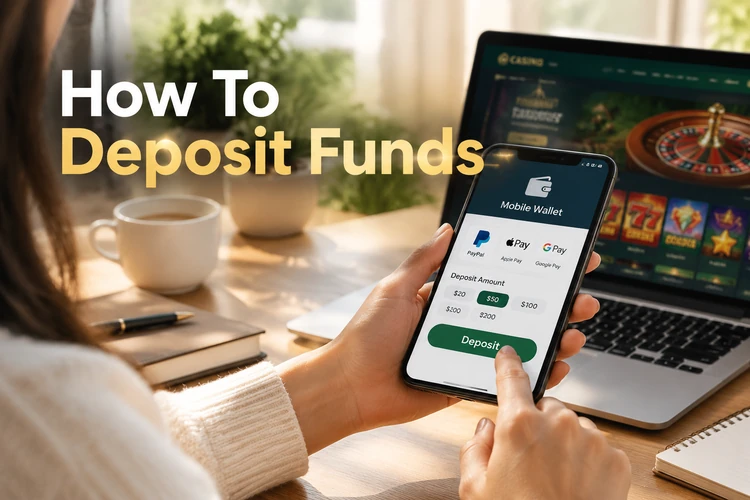
Choose the method that matches your registered wallet and keep the transaction details available until the balance updates.
Deposit Via bKash in tk 1971 casino
bKash is a common deposit method on tk 1971 bd. Funds appear on your balance almost immediately after confirmation. The process is straightforward:
- Open Deposit and select bKash.
- Enter the amount and select a bonus if you want to claim it.
- Transfer money to the specified number in the bKash app.
- Paste the transaction ID into the form and click Confirm.
Nagad, Rocket, and Upay work the same way. The recipient number may change, so always copy it from the deposit form.
Deposit Via USDT
Cryptocurrency is suitable for larger deposits without wallet restrictions. The deposit process is as follows:
- Select USDT (TRC20) on the Deposit page.
- Copy the tk1971 wallet address.
- Send USDT from your wallet or exchange.
- Wait for 1–3 network confirmations.
Send USDT only on the TRC20 network. Funds sent through another network may be lost.
How To Withdraw Winnings in TK 1971 BD
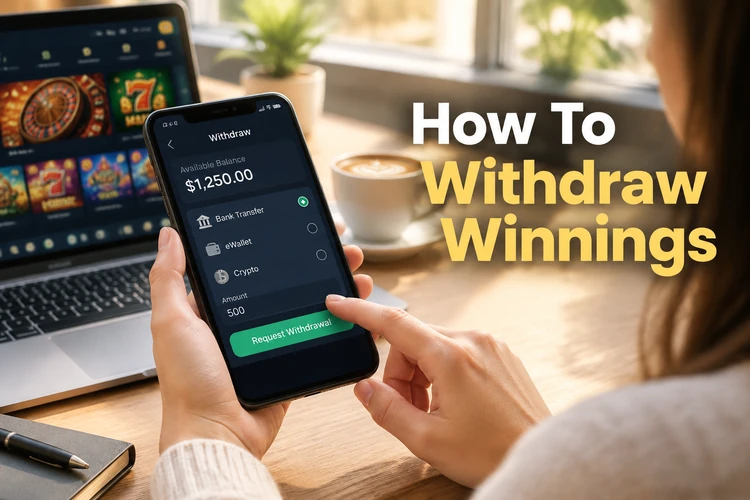
Withdrawal is processed in your personal account in a few clicks. Players at 1971 tk can submit a payout request using the available methods. The procedure is:
Use the same payment method where possible, and check the status of any active bonus before submitting the request.
- Open the Withdraw section.
- Select the withdrawal method.
- Enter the amount and your wallet number.
- Confirm the request with a code from SMS.
Withdrawal is processed to the same method used for the deposit. If a bonus is active, complete the wagering requirement before requesting a withdrawal.
Verification Before First Withdrawal
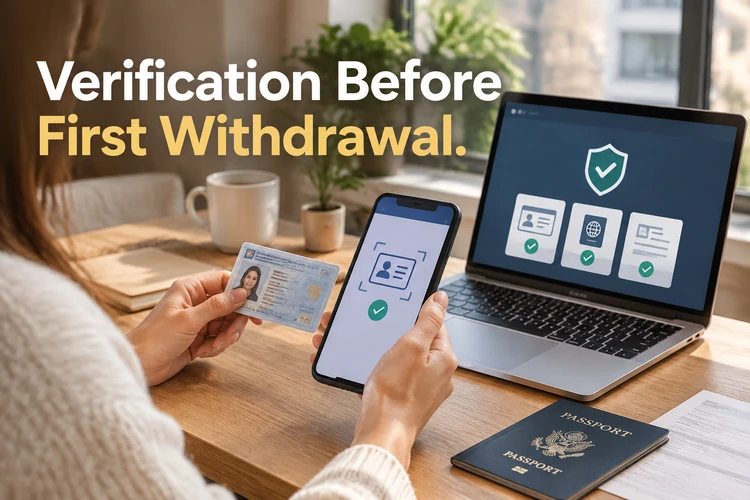
Before the first withdrawal, tk 1971 bangladesh verifies the player's identity. This protects the account from fraud. Verification requires:
Prepare clear documents and make sure the wallet details match your account information.
- Photo of NID, passport, or driving licence
- Selfie holding the document
- Wallet number registered in your name
Documents are uploaded in the Profile → Verification section. Verification takes up to 24 hours and is completed once.
Withdrawal Limits By VIP Levels
The higher your VIP level, the more you can withdraw per day and the faster requests are processed. The available limits are shown below.
| VIP Level | Daily Withdrawal Limit | Request Processing |
|---|---|---|
| Silver | ৳50,000 | up to 30 minutes |
| Gold | ৳150,000 | up to 15 minutes |
| Diamond | ৳500,000 | up to 1 minute |
Large amounts exceeding the limit can be withdrawn over several days. For an individual limit, contact your personal manager.
Common Payment Issues
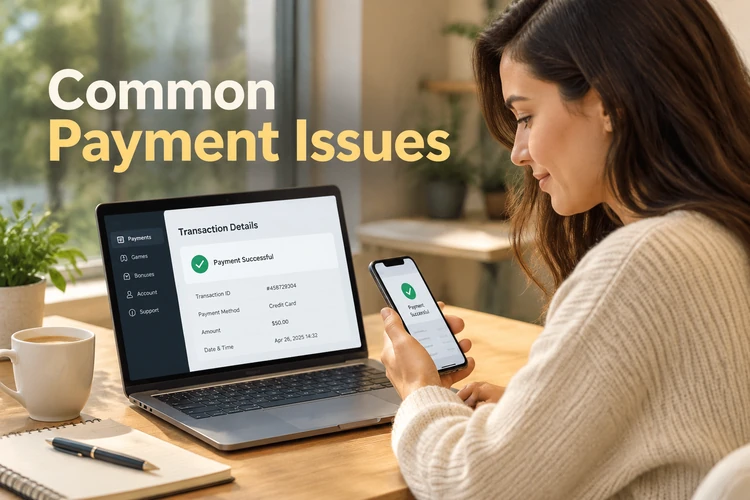
Most payment issues are resolved within minutes. Before contacting support, check the following points:
Compare the payment status with the transaction record in your wallet app before sending a second request.
- Deposit not received: verify the transaction ID is correct
- Withdrawal declined: ensure verification is completed
- Withdrawal delayed: check if a bonus with wagering is active
- Amount error: confirm the minimum and maximum limits of the method
If the issue persists, write to the support chat. Attach a screenshot of the payment from your wallet app.
FAQ
No, tk1971 does not charge any fees for deposits or withdrawals. Fees may only be charged by your wallet provider or bank.
No, you can only deposit and withdraw through a wallet registered in your name. Payments from third-party numbers are blocked pending verification.
The first withdrawal takes longer due to verification. Processing times may also increase on weekends and public holidays.
Yes, while the request is in Pending status, you can cancel it in the Withdrawal section. Funds will return to your balance immediately.